Authentication
These steps are for DBmarlin 4.5.0 and above. For earlier versions some of the steps may be different. We recommend upgrading to 4.5.0 or later version.
Authentication Providers
DBmarlin supports using an .htpasswd file for basic authentication which is enabled within the Nginx frontend web server. Operations such as adding/deleting users must be done on the DBmarlin server by a DBmarlin administrator.
Pre-requsitites
Linux
OpenSSL 1.1 or higher (openssl) must by installed on the server and in the PATH for the dbmarlin user.
# Debian, Ubuntu
apt install openssl

# RHEL/CentOS/Oracle Linux
yum install openssl
Windows
DBmarlin comes with htpasswd.exe included for password encryption.
dbmarlin-add-user scripts
Wrapper scripts dbmarlin-add-user.sh (Linux) dbmarlin-add-user.bat (Windows) are provided to simplify the process of adding or updating users.
They can be run without parameters in interactive mode which will prompt for the username and then the password and whether it should be an admin:
./dbmarlin-add-user.sh
Enter username: admin
Enter password:
Make admin (Y/N):
or with 1 parameter containing the username which will prompt for the password and whether it should be an admin:
./dbmarlin-add-user.sh [username]
Enter password:
Make admin (Y/N):
or with 2 parameters containing the username and the password which will prompt whether it should be an admin:
./dbmarlin-add-user.sh [username] [password]
Make admin (Y/N):
or with 3 parameters containing the username the password and either admin or regular as the final param depending on the type of user you want to create.
./dbmarlin-add-user.sh [username] [password] [admin|regular]
dbmarlin-delete-user scripts
Wrapper scripts dbmarlin-delete-user.sh (Linux) dbmarlin-delete-user.bat (Windows) are provided to simplify the process of deleting users.
./dbmarlin-delete-user.sh [username]
dbmarlin-list-users scripts
Wrapper scripts dbmarlin-list-users.sh (Linux) dbmarlin-list-users.bat (Windows) are provided to list the users defined in .htaccess file and also the list defined in the DBmarlin logins table.
./dbmarlin-list-users.sh
Enable Authentication
By default a clean DBmarlin installation will have no authentication enabled so you can browse to the DBmarlin URL in your browser and you won't see the login screen. To enable authentication you can run dbmarlin-add-user.sh or dbmarlin-add-user.bat and create your first user and that will also create an auth.conf file for you in [dbmarlin]/nginx/conf/
Add User
An Admin user can add a new user under Settings -> Logins.
Alternatively users can be added using the CLI on the DBmarlin server:
- On Linux run the dbmarlin-add-user.sh to create a new user.
- On Windows run the dbmarlin-add-user.bat to create a new user.
Delete User
An Admin user can delete a user under Settings -> Logins.
Alternatively users can be deleted using the CLI on the DBmarlin server:
- On Linux run the dbmarlin-delete-user.sh to delete a user.
- On Windows run the dbmarlin-delete-user.bat to delete a user.
Alternatively, edit the .htpasswd file and remove the line for the user you wish to delete.
Update User (Change password)
Users can change their own password under User Settings in the UI.
An Admin user is also able to change the password for another user under Settings -> Logins.
Alternatively passwords can be changed using the CLI on the DBmarlin server by running dbmarlin-add-user.sh (Linux) or dbmarlin-add-user.bat (Windows) to set a new password.
List Users
An Admin user can see a list of all users under Settings -> Logins.
Alternatively users can be listed using the CLI on the DBmarlin server:
- On Linux run the dbmarlin-list-users.sh to list all users.
- On Windows run the dbmarlin-list-users.bat to list all users.
Login Screen
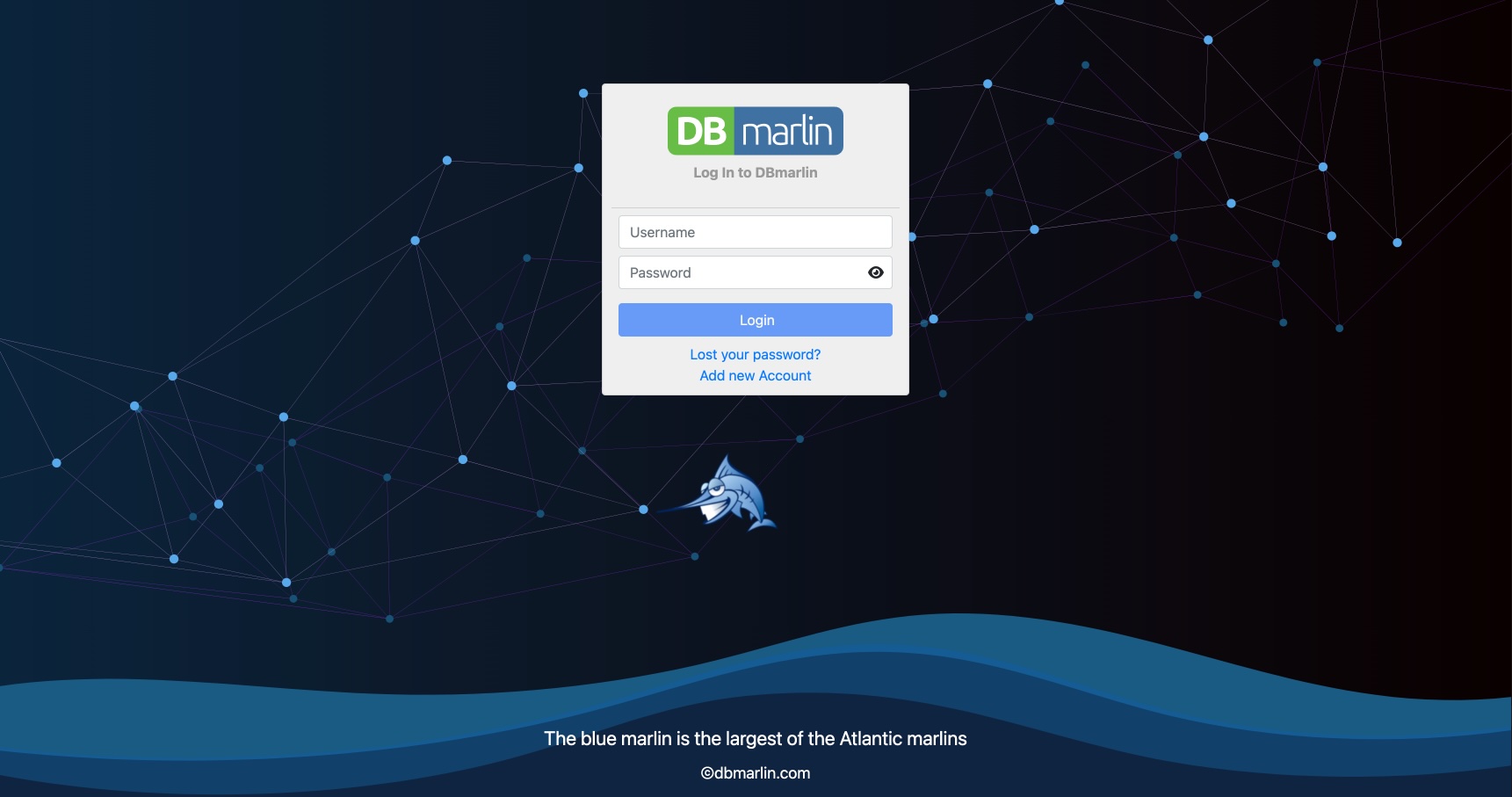
After authentication has been enabled, you will see a Login screen like this where you can login with any valid username/password in your .htpasswd file.
Define user permissions
See Role-based access control RBAC